
Symptom:-
Outlook fails to sync emails.
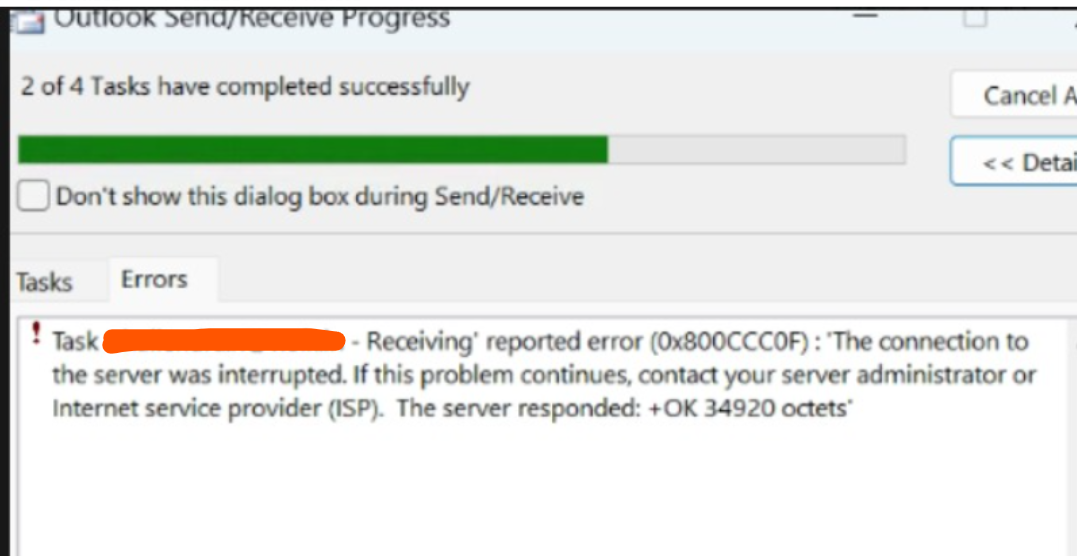
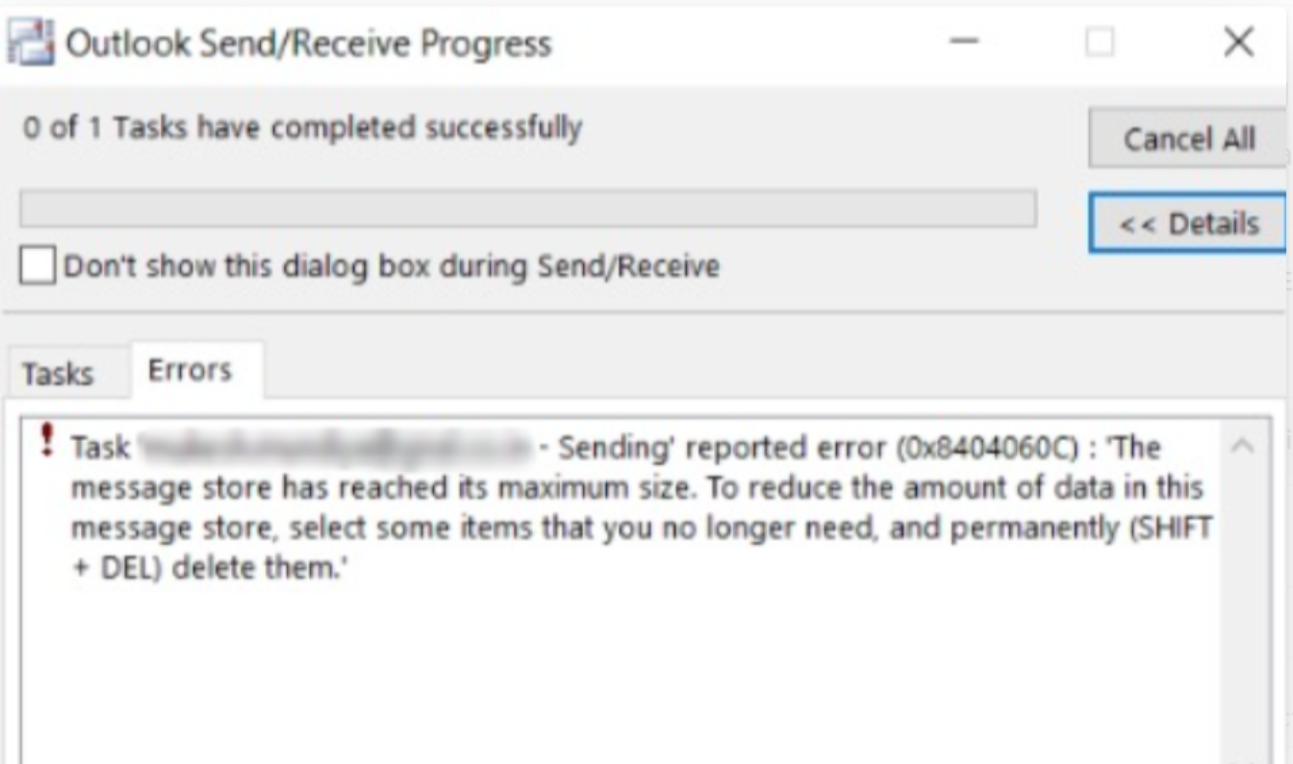
Error message appears during the send/receive operation.
- All configurations are correct.
- No network or mail server issues found.
Steps to Check / Observations:-
Verify the location of the Outlook PST/OST file.
Check the storage space on the drive where the PST/OST file is stored.
If the drive is full, Outlook may fail to sync emails.
Solution:-
Free up space on drive:
Delete unnecessary files from
Downloads,Desktop,Tempfolders.Empty Recycle Bin.
Move large non-essential files (videos, installers, archives) to another drive or external storage.
Restart Outlook after freeing space.
Verify if emails start syncing automatically.
Please note-
issue was caused by low disk space on the C: drive. Although the PST file was stored on the D: drive,
Outlook still requires sufficient free space on the C: drive to create temporary files and process emails. Due to the insufficient space,
Outlook was unable to complete the operations, which resulted in the connection errors.